November 5, 2026
Raindrop.io alternatives with notes and full-text search
Start with the honest part: Raindrop's free plan is among the most generous in this category. Unlimited bookmarks, multi-device sync, nested collections, import and export — all free. When people ask whether the free tier is enough, the real question is usually different: is paying for search worth it.
What the free plan covers
- Unlimited bookmarks, which is the biggest differentiator in this market
- Sync across devices
- Nested collections, tags, bulk editing
- Browser extension and mobile apps
- Import from browsers, export to HTML and CSV
- Basic search by title, tag, and domain
For "save it and find it later", that set works for a long time.
Where the free plan stops
The line is not about quantity, it is about these (check the current pricing page — plans change):
- Full-text search: searching the body text of saved pages is typically a paid feature. Once you have a few hundred items, this is the difference you feel most.
- Files and permanent copies: archiving pages locally or uploading PDFs usually sits in the paid tier.
- Duplicate and dead-link cleanup: batch maintenance features are generally paid.
- Sharing and collaboration: shared collections are typically not available free.
Put another way: free covers storing, paid covers retrieving and auditing. The larger your collection, the more retrieval is worth.
Four signals it is the wrong shape for you
None of these mean Raindrop is bad — they mean its shape does not match your usage.
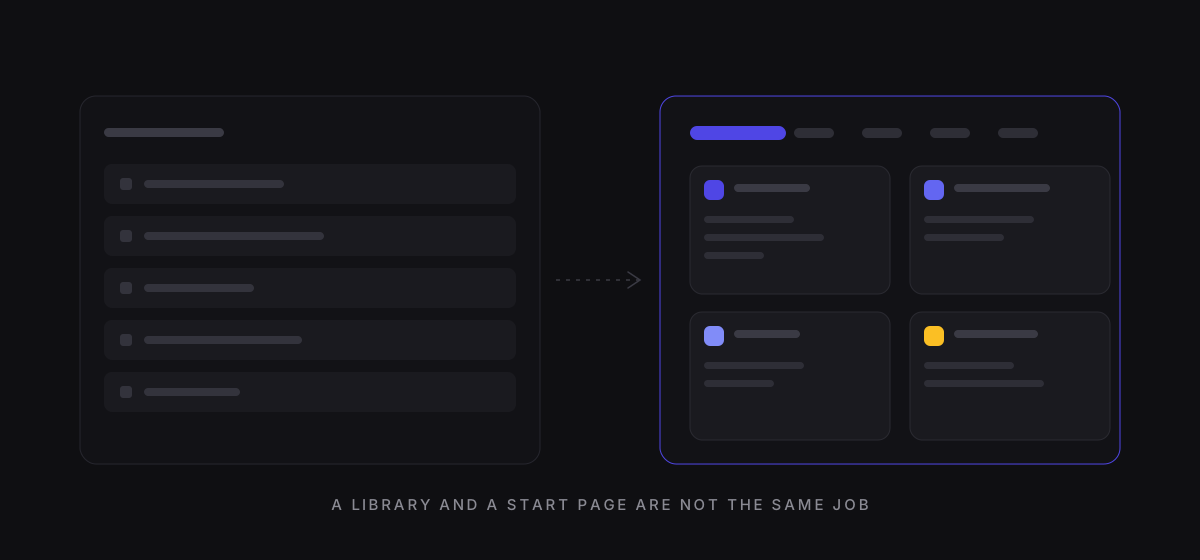
- You do not need a library, you need a start page. The first thing you look at each morning is ten fixed links, not a collection list. A library's interaction cost is high for that job.
- You save things without URLs. A code snippet, a sentence, an idea. Notes in Raindrop attach to a bookmark; there is no standalone text object.
- You want to search body text without paying. In practice this means paying, switching to a tool that includes it free, or accepting title-only search.
- You care what the export actually contains. Export ability is your exit, and it is routinely ignored when choosing tools.
Three kinds of alternative
One: built-in browser bookmarks. Free, offline, zero setup — but no body search, no notes, and two browsers mean two diverging lists. Fine for one browser and under a hundred items; the detailed comparison is here.
Two: start-page tools. These turn your collection into a page you open every day, with all folders on one screen, usually plus notes and search. MyNav is one of these: 100 bookmarks free, with the two tiers spelled out on the pricing page. The trade-off is that it is optimized for daily use, not for archiving thousands of items.
Three: self-hosted open source. Projects like linkding or Karakeep run on your own machine, with data fully under your control. The cost is maintaining a server, backups, and upgrades — a good fit if you already run a NAS or home server.
No ranking here. Only shape matching.
What migrating involves
Raindrop exports, MyNav imports standard bookmark HTML, and no conversion step is needed:
- Raindrop → Settings → Export → download the HTML file
- MyNav → Settings → Import → upload it
- Folders and titles carry over; tags, highlights, and cover images do not
- Pro is required above 100 items — import a subset first if you want to evaluate
Keep the original export file. It is the only copy of your data that does not depend on any tool.
Common questions
Can I use both? Yes, and it is sensible: Raindrop as the archive, a start page for the ten links you touch daily. Importing the same HTML into both costs nothing.
Could the free plan start charging one day? Any free service's terms can change — which is exactly why you check for export before committing, rather than trying to predict the future.
Will switching lose data? Not if you have the export file. What you lose are tool-specific fields: tags, highlights, note formatting. Those have no common format anywhere.
The full feature-by-feature comparison, including who each one suits, is here.